Gym TV Whiteboard Software for the Day's Workout
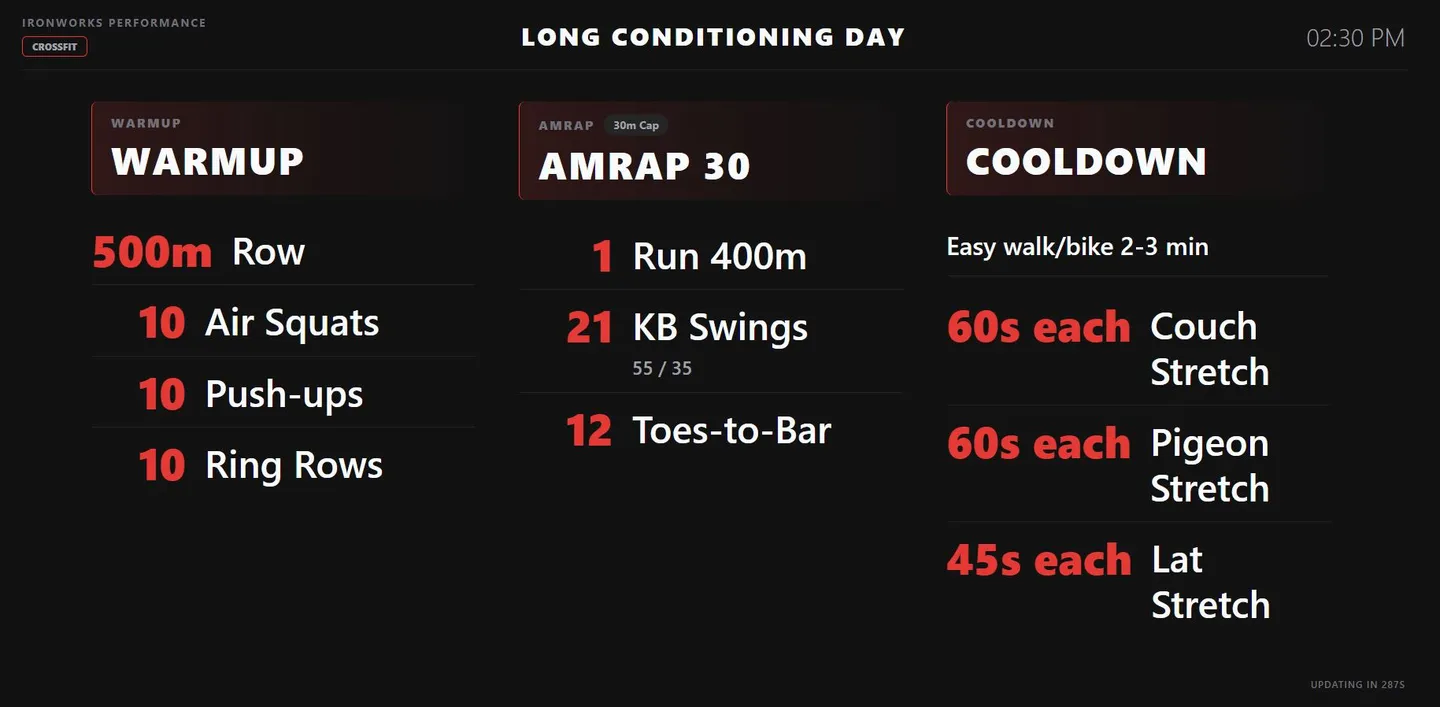
A whiteboard works until someone has to rewrite it. Bastion includes a TV whiteboard mode for large screens on the gym floor, showing the workout a coach selects from the programming they already build in Bastion.
The day's workout on the gym floor
TV whiteboard mode is a display mode intended for large screens in a class setting. It shows the workout a coach selects.
- Designed for large screens on the gym floor
- Shows the workout a coach selects
- Included in Workout OS at every tier, and in the 30-day free trial
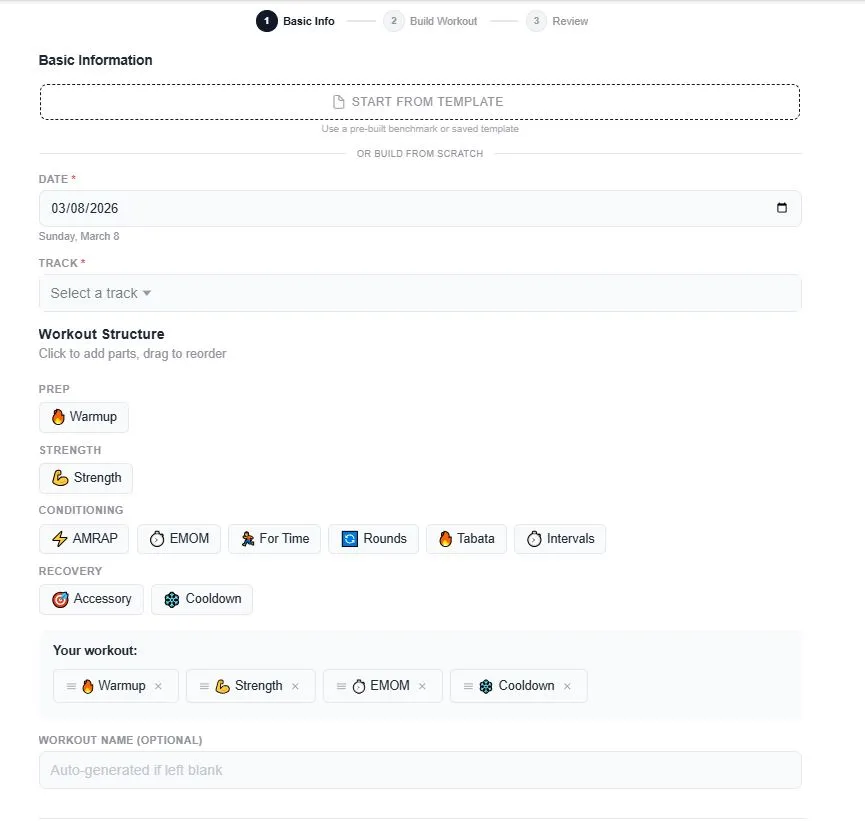
Built once, in the same place as the rest of your programming
Coaches build workouts with a movement library and templates, so formatting does not dominate prep time. Coaches who already have programming written elsewhere can paste it in many formats or bring a bulk CSV, and the AI workout parser turns it into structured workouts, flagging anything it cannot match for a coach to confirm. The parser is an add-on after the trial and is included during the 30-day trial.
One calendar behind the screen
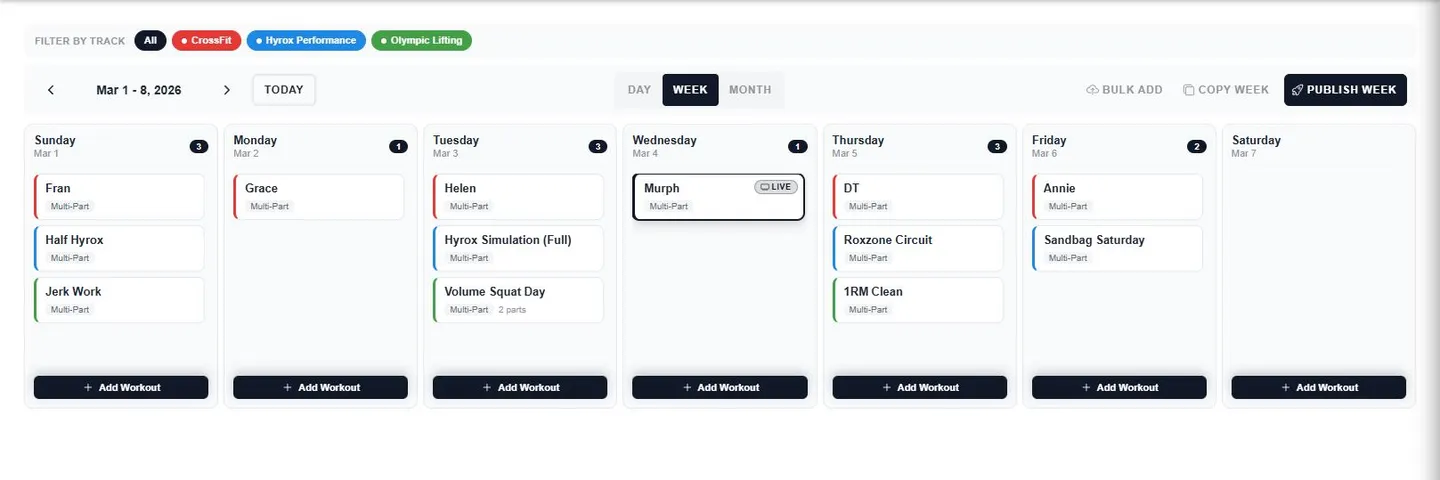
Many gyms run more than one program. Bastion treats each program as its own track with its own programming, so a Hyrox group, CrossFit classes, an Olympic lifting cycle and calisthenics skill work all live in one calendar, and coaches can filter it by program. On the class schedule, coaches can substitute a coach or cancel a single date without breaking the recurring series. Read more about running several programs in one calendar.
Athletes log from their phones
- Native iOS and Android apps for athletes
- Quick logging with working weights pre-filled from each athlete's one-rep max on percentage-based lifts, and PR celebrations when an athlete hits one
- Offline logging that syncs when the device reconnects
- Leaderboards for every scored workout, with each result labelled by its scale level, plus fist bumps and comments on results
See features for the full list, or who it's for.
Gym TV whiteboard software questions
What does the gym TV mode show?
TV whiteboard mode is a display mode for large screens on the gym floor. It shows the workout a coach selects, for class settings.
Where does the whiteboard content come from?
From the programming you already build in Bastion. Coaches build workouts with a movement library and templates, or paste programming or a bulk CSV and let the AI workout parser structure it. The parser is an add-on after the trial and is included during the 30-day trial.
Do athletes log results from their phones?
Yes. Athletes use the native iOS and Android apps for quick logging, with working weights on percentage-based lifts pre-filled from their one-rep maxes. Logging works offline and syncs when the device reconnects.
Is TV whiteboard mode included in every plan?
Yes. Workout OS covers TV whiteboard mode at every tier, and the 30-day free trial of Workout OS needs no credit card. The pricing page has the full breakdown.
Can a gym that runs several programs use TV whiteboard mode?
Yes. Bastion treats each program as its own track with its own programming in one multi-track calendar, so a gym running Hyrox, CrossFit, Olympic lifting or calisthenics does not need separate software for each. TV whiteboard mode is part of the same product.
How can we try it on our own screen?
Book a setup call and we will set up your tracks together, or start the free trial yourself. See all features for what else is included.
Related pages
See it on your own floor
The fastest way to judge this is to look at your own programming on your own screen, rather than a demo account full of sample data. Book a short call and we will set your tracks up together.
Book a setup call Or start a free trial